Scheduling & the day sheet
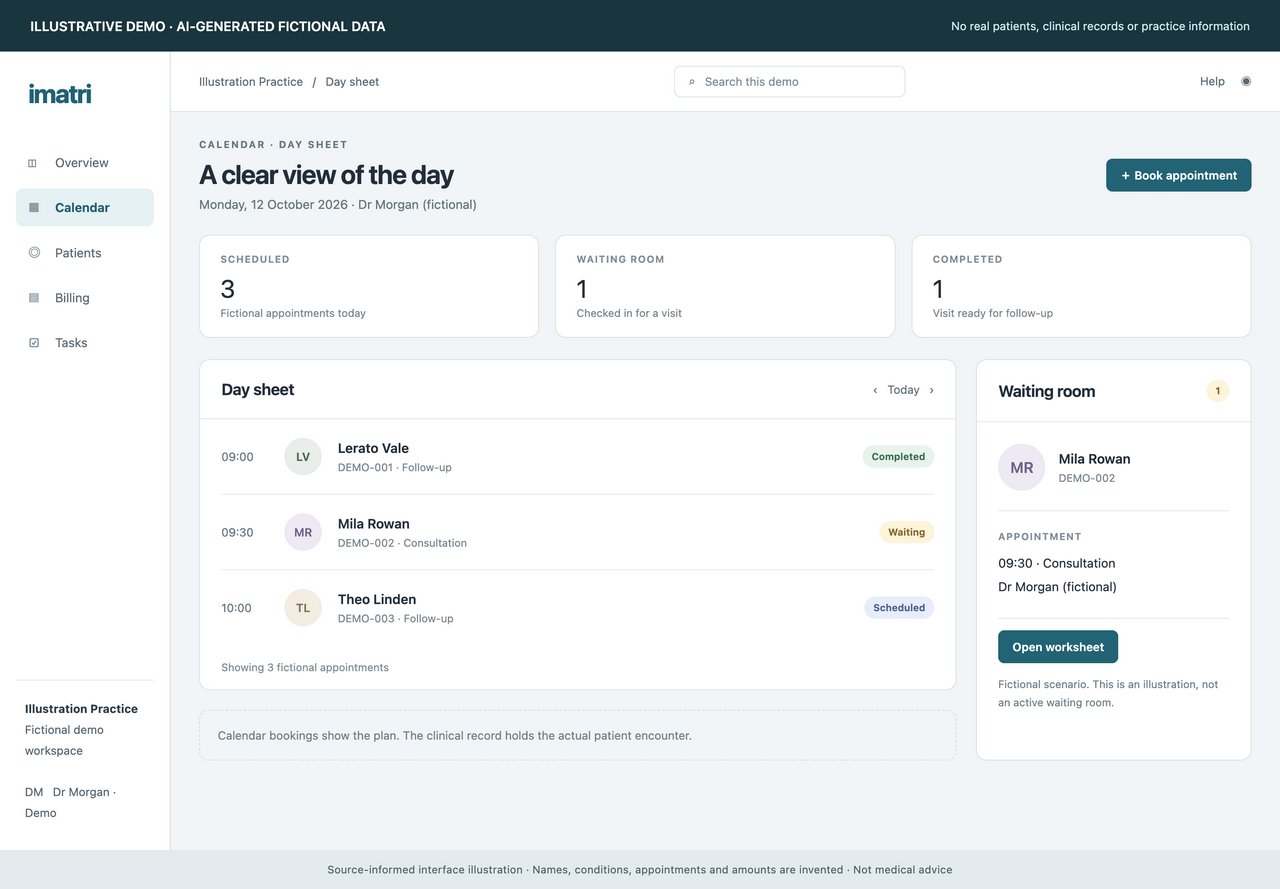
Move from planning the diary to managing the day.
- Appointment booking and rescheduling
- Arrival, waiting-room and no-show statuses
- Visit worksheets linked to appointments
Imatri · by Denmyd
Practice-management software that connects scheduling, clinical documentation, patient communication and billing. Developed and operated by Denmyd Medical Equipment (Pty) Ltd.
A look at the workflows
Explore three illustrative screens. All example data is AI-generated and fictional, with no real patient information.
Keep planned appointments and arrival statuses in view. Open the visit worksheet when it is time to see the patient.
Across the practice
Discuss your practice’s needs in a demo. Available features depend on your plan, permissions and configuration.
Move from planning the diary to managing the day.
Keep the history of care available beyond a single visit.
Use AI to assist with documentation, with clinical review.
Collect information before the visit and follow up afterwards.
Follow the financial work from invoice to account.
Give work a clear owner and keep access appropriate to the role.
AI can help organise notes and propose findings. Clinicians must review the output and decide what belongs in the record. Organising a note can update its text directly, so it needs review; extracted clinical suggestions have their own review steps. Imatri supports documentation and does not replace professional judgement.
Getting started
Book a demonstration to walk through the workflows relevant to your team. We confirm the features, price, billing interval, onboarding arrangements and cancellation terms in writing before you subscribe.
Imatri is supplied electronically. Where offered, Paystack collects software subscription and service payments. Physical medical equipment orders are arranged separately.